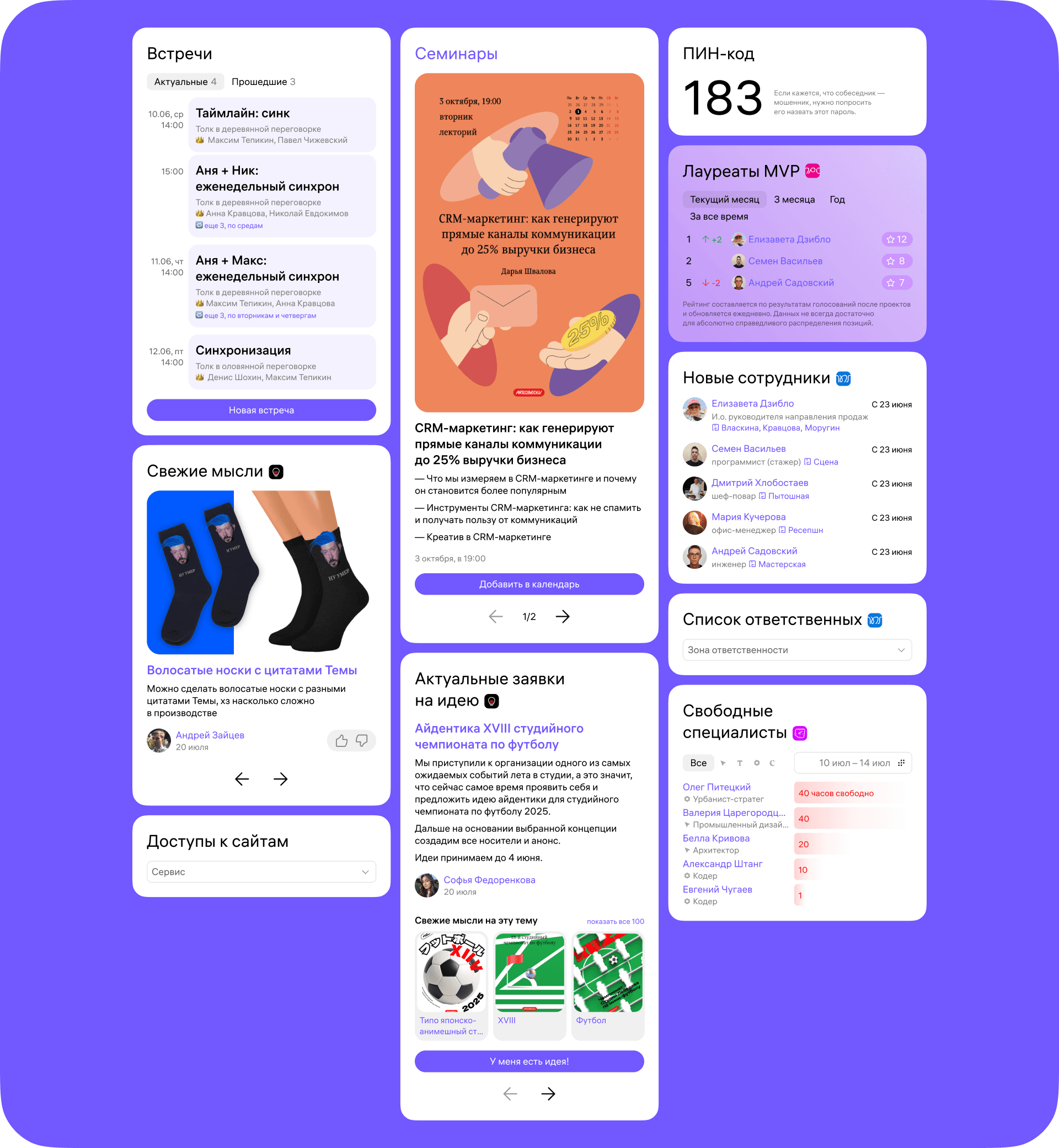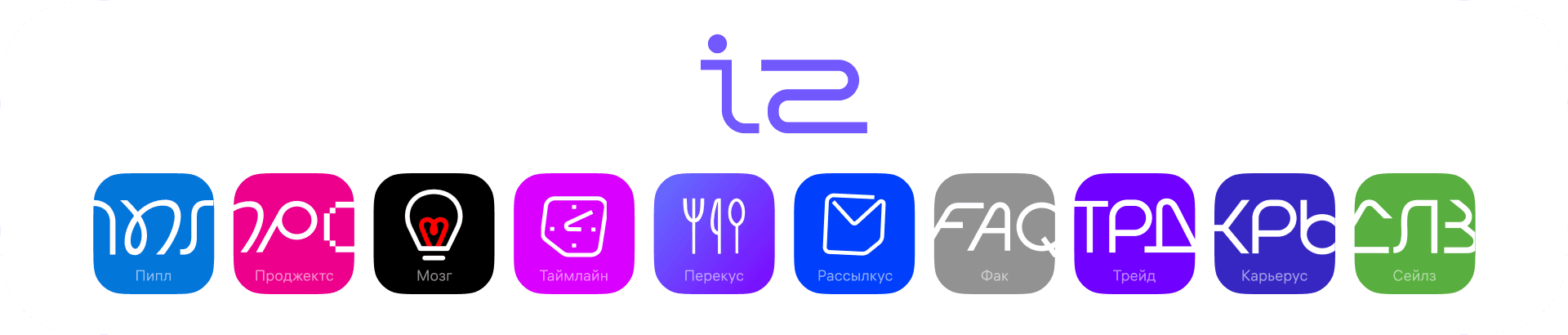
There are many different services available in the studio. They are all connected by a single hub—the intranet. Here you can view upcoming meetings, see whose birthday it is today, or look up the password for the service you need.
Convenient service for everyone
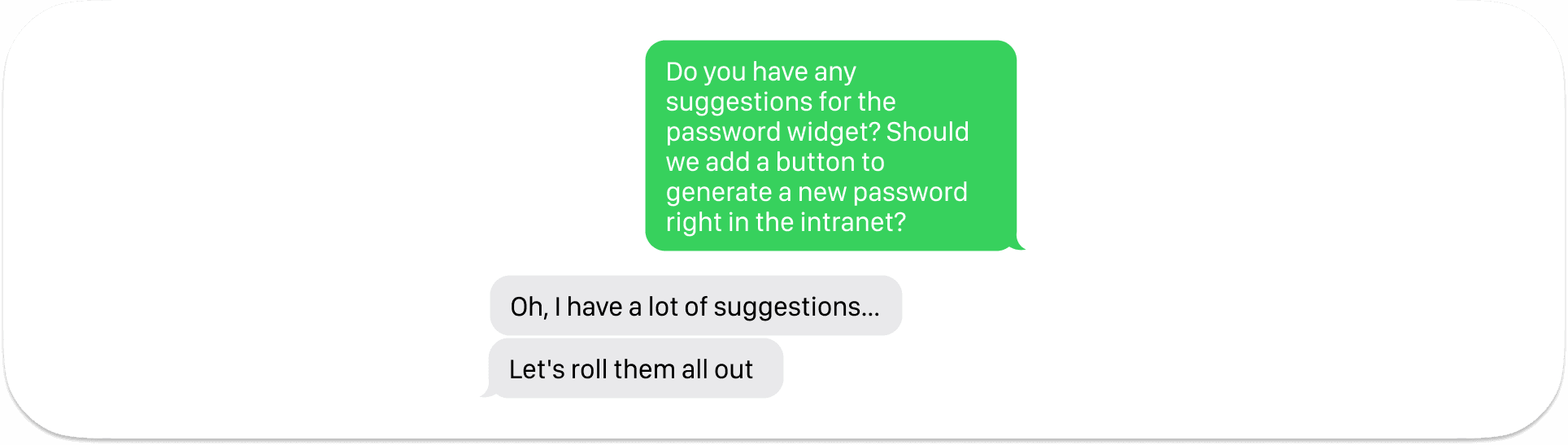
The intranet has its own microservices that employees use: some moderate them, while others access these services as users. It was important for me to create a convenient service for everyone, so I gathered feedback from studio employees about what they like and dislike about the current widgets. What functionality are they missing, and what would they like to change?
7 elements

Initially, the widgets were redrawn one by one. A little later, it became clear that this was very costly because a lot of different components were being created and a systematic approach was needed. We grouped all the widgets according to their visual similarity. This resulted in seven categories. We continued to redesign them in these groups.
Typical widget card
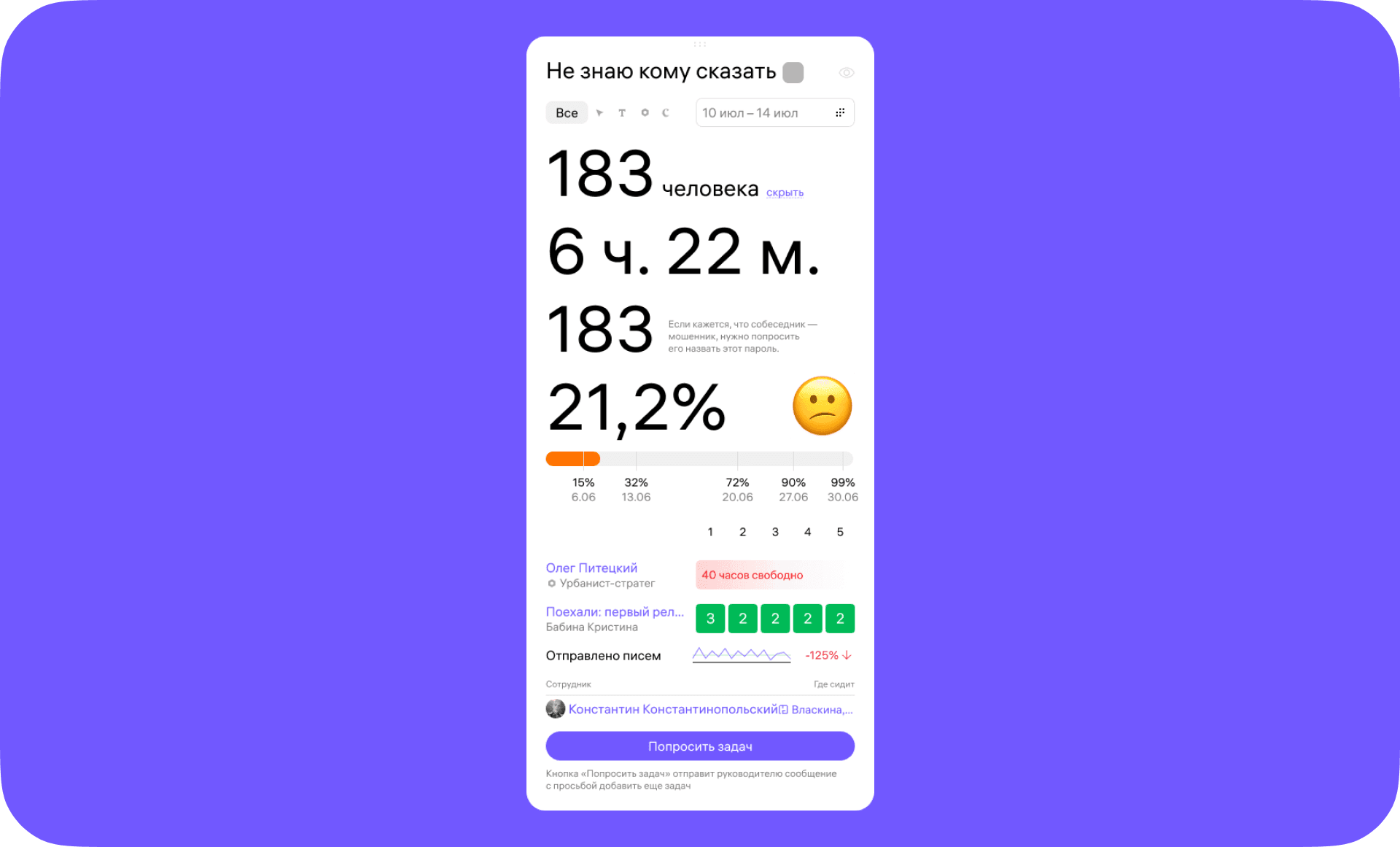
Standard cards were created for each category, containing all the elements of the widget. This allowed the programmer to create all the components at once and then use them in each individual widget as needed.
The password widget has changed the most.
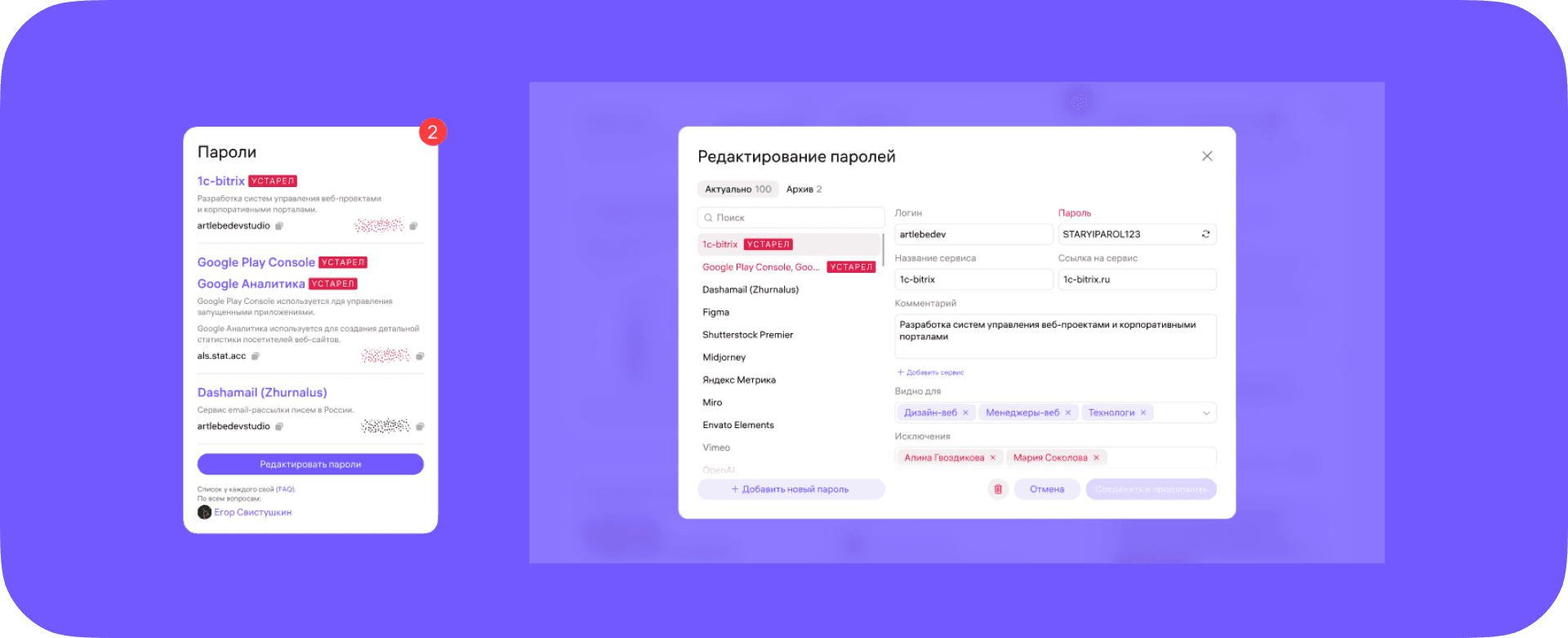
Previously, there were no pop-ups on the intranet, and all changes were made directly in the widget, which was inconvenient, and I wanted to add several new features. This became clear after a survey I conducted.
Calendar
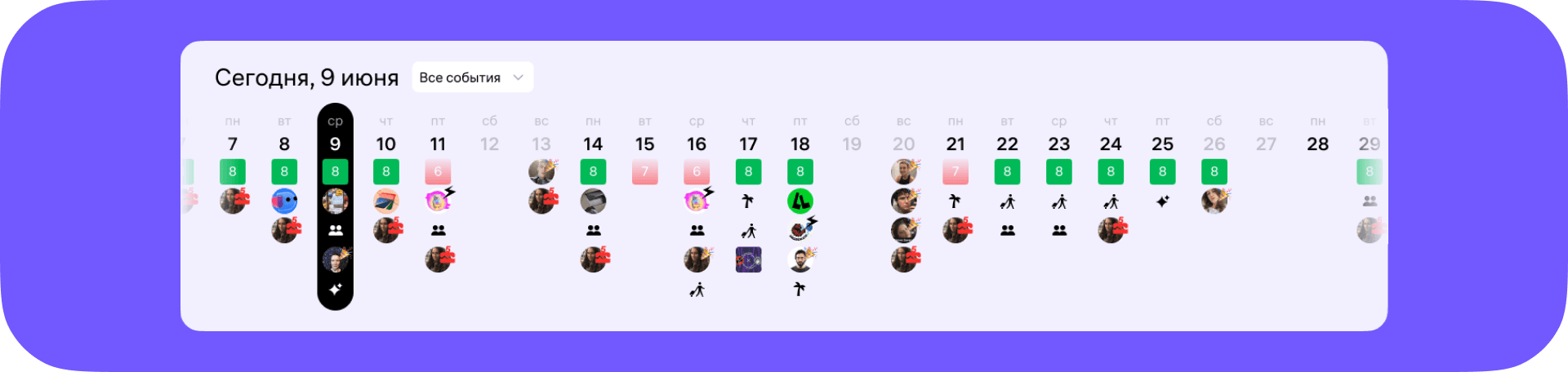
We removed several widgets that were unnecessary, and some were transformed, such as the calendar. Previously, it was among the widgets and only showed project releases. We upgraded it and started showing all events that are in any way related to the date. We moved it to the top so that all events are more visible. The calendar can be turned off if it is not needed, or some events can be disabled to make it less overwhelming. This solution looks very cool; we will find out later how it works in practice.
Quick Actions Panel

Quick actions are located below the calendar. This feature helps you set up links and actions that you need more often than others. For example, you can add the most important password from your password list there, because you need to use the service every day. You can add a link to a translator so that you can quickly switch between the intranet and a third-party service.
All other widgets are located under quick actions.