EN
ENSorter
My first app. The school introduced a new subject “Project activity” had to choose a topic and implement it. I chose the right sorting of garbage and did the app for this.
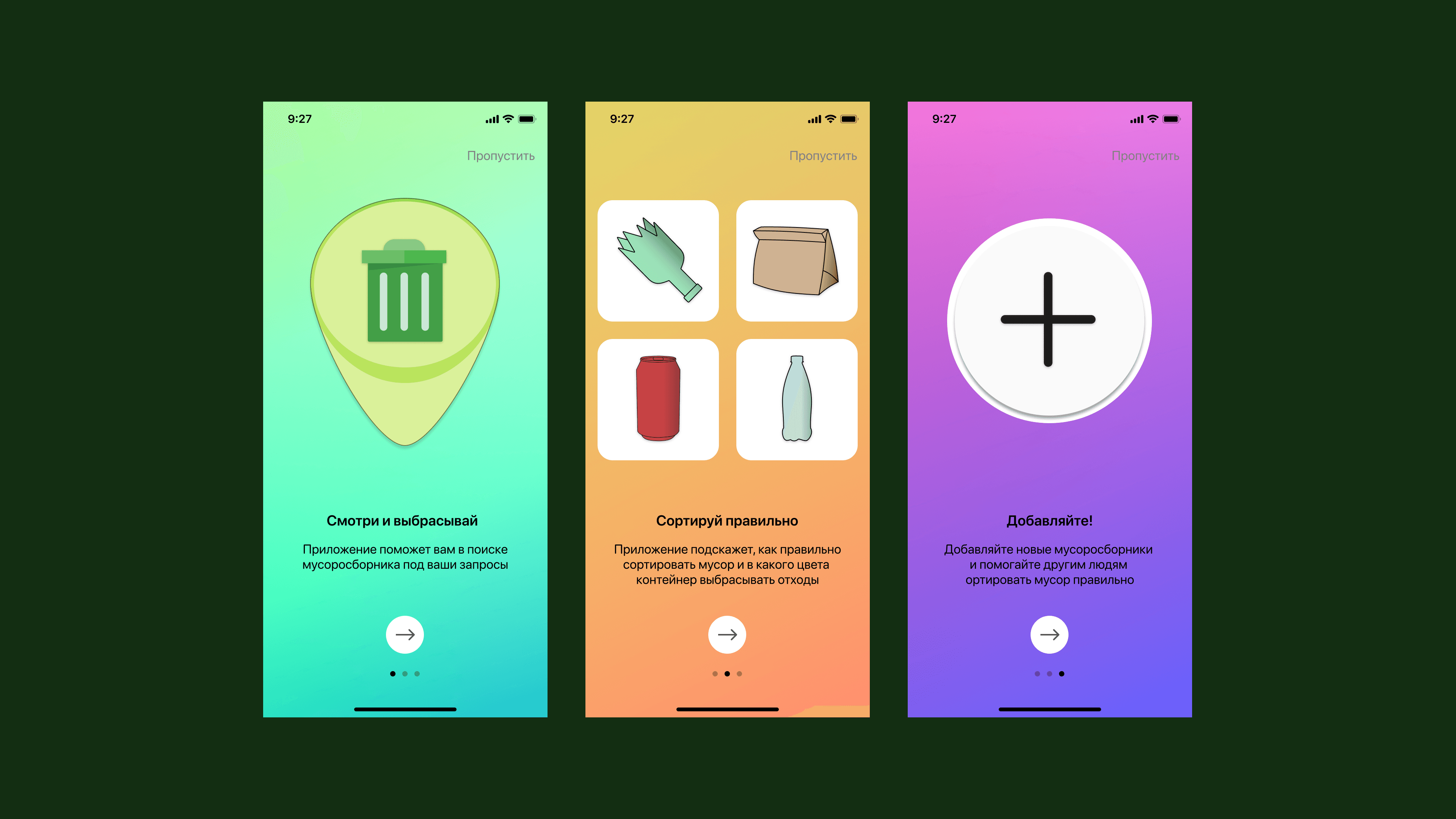
Small onboarding for new users.
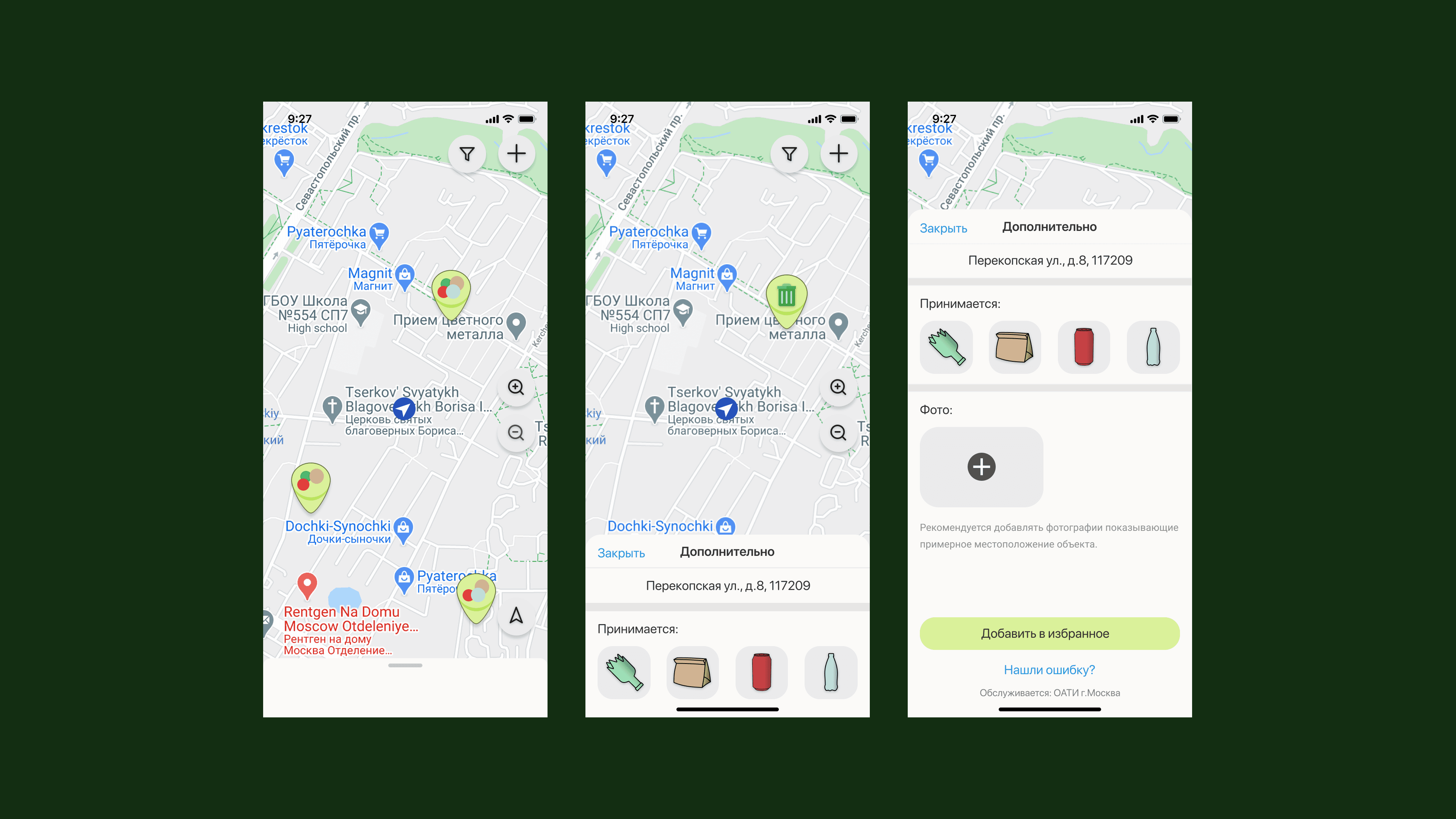
The main screen is a map with all the trash. When you click on the garbage, the address of the nearest house, which is the trash can be displayed. In the same menu there are pictograms of received materials. You can add a photo and add the garbage to the favorites.
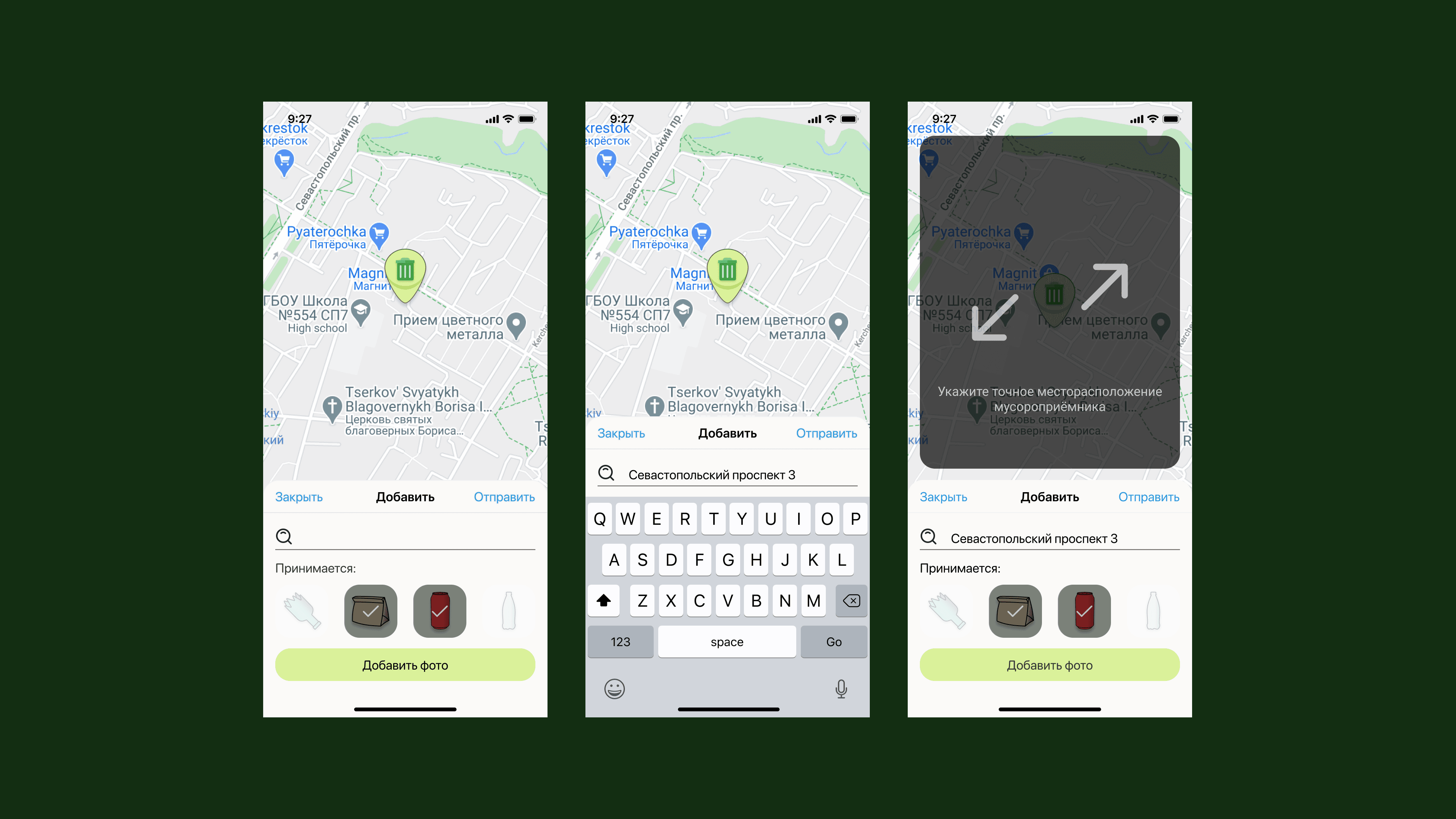
Adding a new garbage with address and materials.
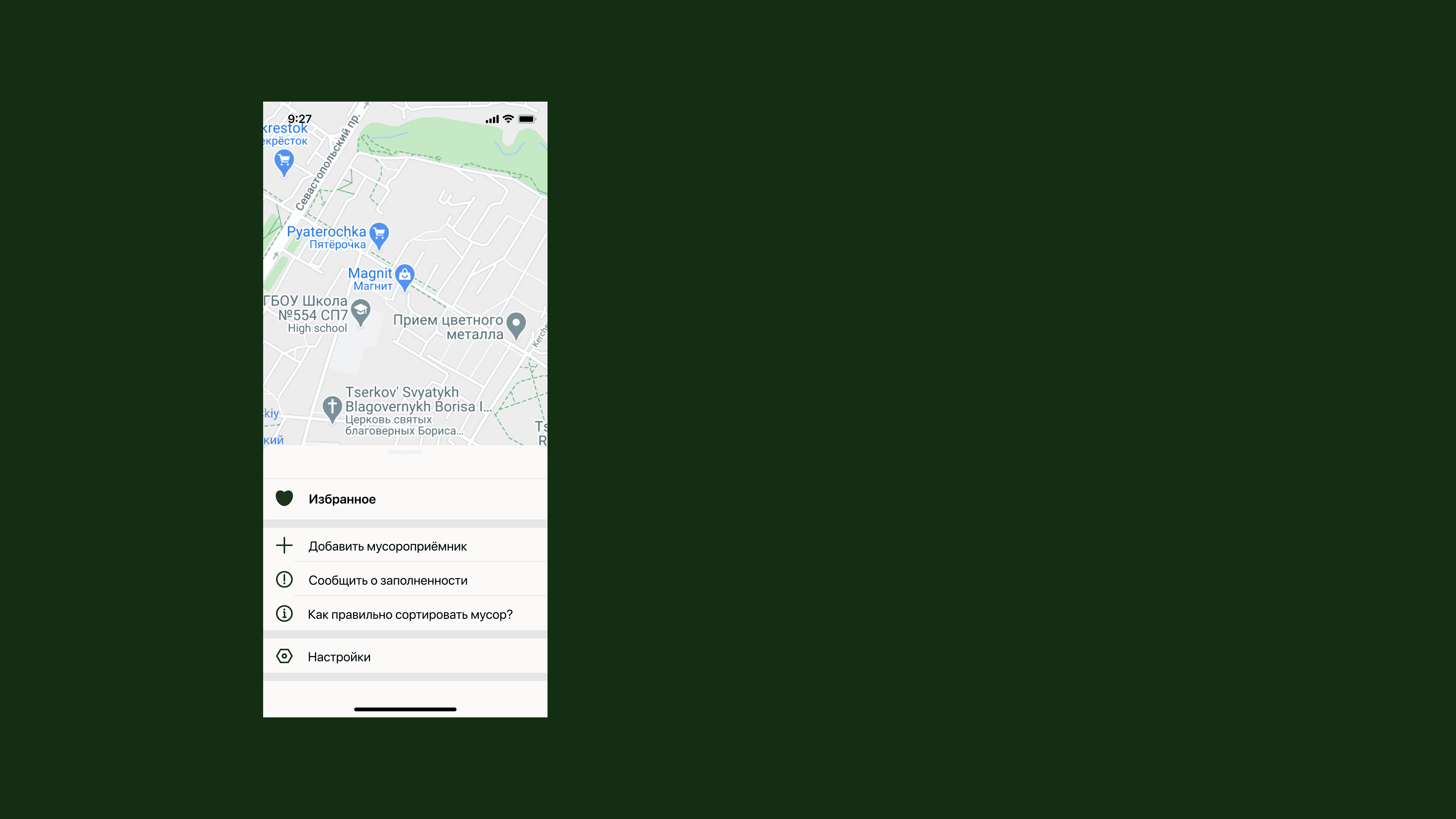
Menu.
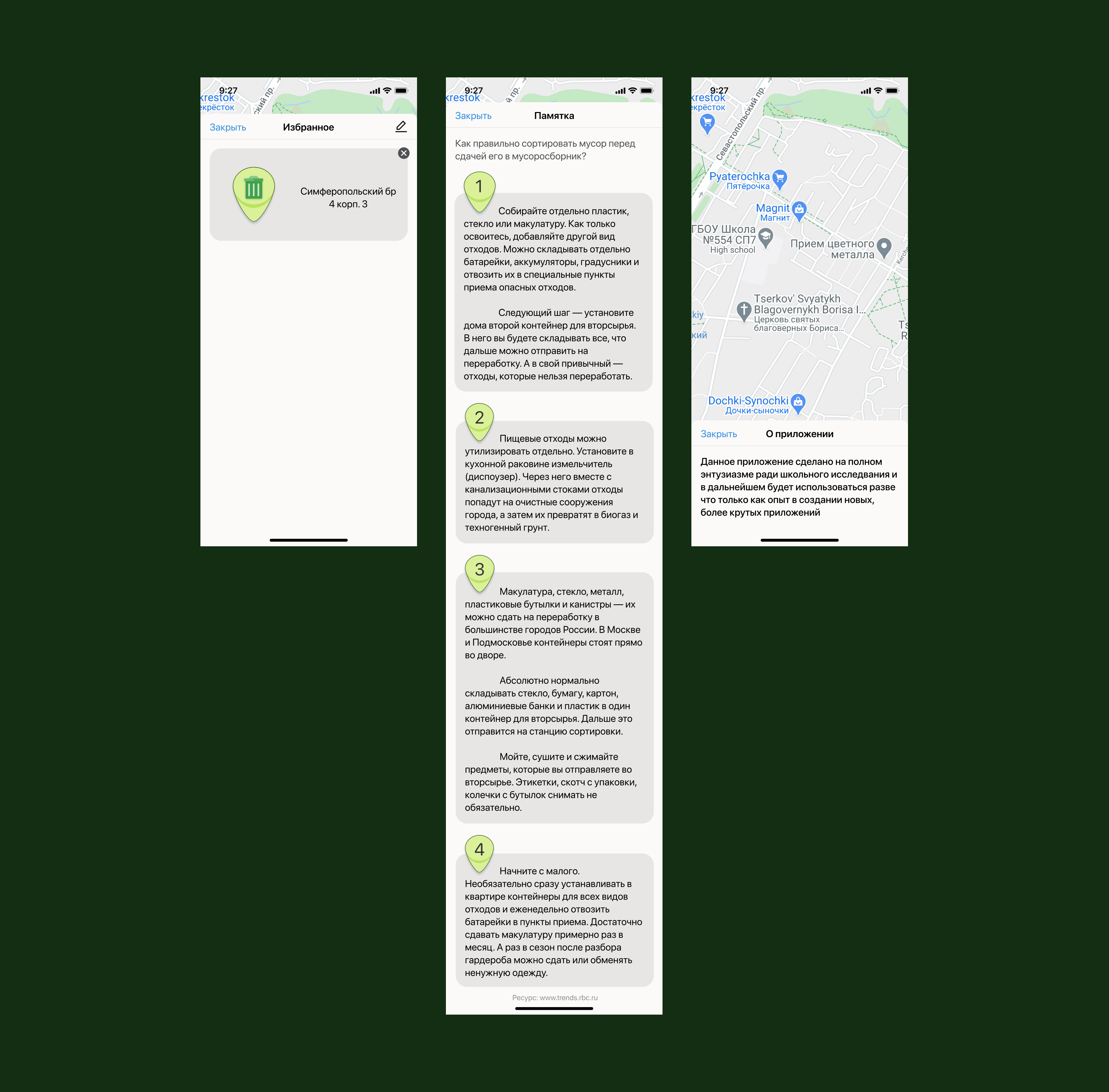
Selected garbage cans with address and a memo on how to throw away garbage.